Adding an Airbnb co-host: the path and the effects
The exact path to invite a co-host, screen by screen, then what actually changes in your inbox once the invitation has been accepted.
·11 min
The invitation takes two minutes. What it sets in motion lasts months. Most guides stop at the Send button, just when the real question begins: who sees what in the inbox, and who can answer a guest writing tonight. Here is the exact path, then what changes once the invitation has been accepted.
The journey runs inside the listing editor, not in your account settings. That is the first source of confusion, and it costs everybody five minutes.
Invite a co-host
Listings > the listing > Co-hosts > Invite a co-host > Get started
Country or region
Asked before anything else, because it drives the phone number format.
Phone or email
Either one is enough. This is the identifier the invitation goes to.
Permissions
The level is picked here, during the invitation, not afterwards.
Review
The summary, then the Send button that fires the invitation.
Airbnb allows up to ten co-hosts per listing. That ceiling is almost never the real constraint, as the co-host guide explains: the actual threshold arrives with the second person who answers guests.
The path changes, and so does the right to use it. From Listings, tick each listing concerned, click Co-host then follow the same steps. One rule to know before trying: a co-host with full access can invite somebody to a single listing, while only listing owners can invite a co-host to manage several listings.
Airbnb runs a co-host network, reachable from the same screen: Listings, the listing, Editor, Your space, Co-hosts, then Find someone to help. You search, compare, and get in touch. Co-hosting is covered by its own additional terms of service.
Services and experiences do not follow the same rule as homes. On a home, the listing owner or a co-host with full access can add a co-host. On a service or an experience, only the owner can. If you run both, do not infer the second path from the first.
This is the part nobody writes about, and it decides whether the delegation actually relieves you. The level chosen during the invitation governs access to conversations.
Level granted
Message guests
The calendar
Full access
yes
view and edit
Calendar and messaging access
yes
view only
Calendar access
no
view only
The bottom row is the trap. The most restrictive level gives no access to guest messages whatsoever. It is still granted out of caution, with the idea of opening backup access, and you find out on the day you were counting on that person.
Three effects land on the day of acceptance, and none of them is announced on the invitation screen.
A second person reads the thread, and the guest never knows. The conversation stays single on the guest's side. Two people can now answer in it, which makes consistency matter more than speed.
An internal channel opens. All co-hosts on a listing can message the host or another co-host working on the same listing. That is the right place for arbitration, provided you decide upfront what goes through it.
Reviews do not move. Guest reviews only appear on the main host's profile. A co-host's work therefore shows up in your reputation, never in theirs.
Sophie D.AirbnbArriving tomorrowCopilote
Hi, we will actually arrive around 11 pm, is that alright?21:12
Good evening Sophie. Self check-in works at any hour and the lockbox code stays the same. I will confirm the details here before tomorrow morning.21:15
Two people have access to the same thread. Without a written scope, two different answers go out the same evening.
The middle level opens messaging without booking management. Your co-host can discuss an early arrival without being able to approve it. It is the most common setting, and the most common source of a promise nobody can keep.
The invitation can wait. These four points only get written properly beforehand. The help centre says it in its own way when it recommends discussing goals, expectations, and timelines as the partnership starts.
Start from the work expected, not from trust
If the person has to answer guests, the most restrictive level is out. If they have to approve an early arrival, only full access allows it. The level follows the difficulty of the property, not how close you are to the person.
Write down the hours covered, gaps included
Someone available during office hours does not cover the moment messages land. Across three properties measured in our database over eight months, the highest point of the day falls at 8 pm. The detail sits in the common guest questions.
Fix what can be decided alone
Late checkout, early arrival, a gesture after an incident. Five lines are enough. The help centre also recommends agreeing on which expenses need host approval, and passing on any restriction specific to the listing, maximum stay length included.
Set pay on its own screen
It is not part of the permissions. Airbnb offers co-host payouts in four shapes, set by the listing owner alone. The arrangements and their calculation basis are covered in co-host pay.
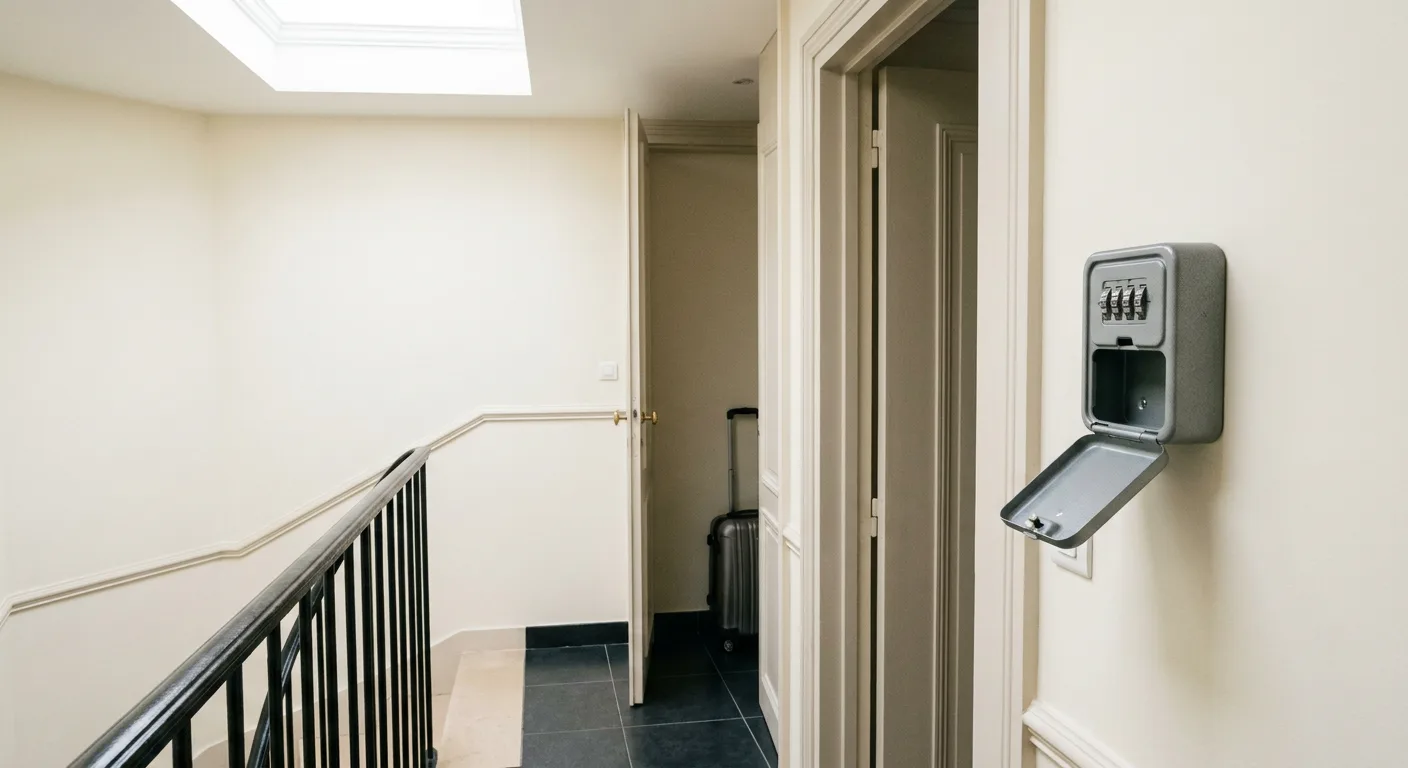
What the invitation does not carry is what you know about the property. The exact move that opens the door, where the breaker sits, the plumber's name. As long as those instructions live in your head, every evening question comes back to you, whatever level you granted.
What can be delegated without adding anybody
CopiloteThe reply is drafted and waiting. You read it, you adjust, you send.
HybrideReplies go out on their own during your hours. Control returns to you outside them.
AutopiloteThe reply goes out on its own. Anything outside the known scope comes back to you instead of being invented.
The invitation in detail, point by point
The invitation goes to an identifier, not to a profile
You enter a country or region, then a phone number or an email address. That identifier receives the invitation. The practical consequence is that a typo produces no visible error on your side: the invitation looks sent and nobody receives it. The useful check is asking the person to confirm, rather than reading silence as hesitation.
Permissions are chosen during the invitation
The level is not a setting you discover afterwards. It sits inside the form, between the identifier and the review screen. That is good design, since it forces the question at the right moment. It is also a pacing trap: many hosts click the widest or the narrowest option so as not to slow down, then live for weeks with a choice made in two seconds.
The path runs through the listing, never the account
Co-hosts are managed in the listing editor. That detail explains two things. First, why searching the account settings turns up nothing. Second, why a new listing opens to nobody on its own: it starts with no co-host, and the oversight only surfaces at the first message left unanswered.
Several listings at once, a right reserved to owners
Multi-selection exists from the listings page: tick the listings, click Co-host, then follow the same steps. That journey is reserved for listing owners. A co-host with full access can invite somebody, but only to a single listing. On a growing portfolio, this asymmetry decides who has to stay in the loop on every addition.
Ten per listing, a ceiling that never bites
The official limit is ten co-hosts per listing. No ordinary operation reaches it. The real threshold sits at two people answering, the moment two comparable guests start receiving two different answers. That gap later reads in the reviews, where it looks like a quality problem when it is a shared-instructions problem.
The co-host network, when you have nobody
Airbnb offers to find somebody from the same screen, through Find someone to help. You search, compare, and get in touch. The invitation path is then identical. What the network does not settle is the scope: a person found through the platform needs exactly the same four written lines as a neighbour.
Services and experiences follow another rule
On a home, a co-host with full access can invite another co-host. On a service or an experience, only the listing owner can. If your activity mixes both, the reflex of repeating the home path leads to a dead end. The point is worth checking before promising a delegation to somebody.
What the widest level really opens
Full access allows messaging guests, updating the calendar, managing the listing including the price, accepting or declining trip requests, handling bookings and cancellations, dealing with reimbursement requests, viewing the earnings dashboard, then adding or removing other co-hosts under conditions. That is a lot. The level follows what you accept seeing changed without being told.
The middle level speaks without deciding
It opens messaging and calendar viewing, without the right to edit the calendar or manage bookings. Your co-host can therefore receive an early-arrival request, discuss it at length, and never be able to approve it. The remedy is one sentence written in advance about what they may announce alone, and what has to reach you before any answer.
The narrowest level sees no messages
Calendar access is limited to viewing. No editing, no messaging. It is often granted to provide backup access, and that is precisely the use it does not serve: the person will not see the request from the guest stuck at the door. If the intention is to allow a rescue, the useful notch is the one that opens messaging.
The channel between co-hosts exists, decide what it carries
All co-hosts on a listing can message the host or another co-host on the same listing. That channel keeps arbitration out of the guest thread, which is already a lot. In exchange, it creates a second place to watch. Decide what goes through it, otherwise important information spreads across two inboxes and neither is complete.
Reviews stay on the main host's profile
Guest reviews only appear on the listing owner's profile, not on the co-host's. Two opposite consequences. For you, the quality of somebody else's replies weighs directly on your reputation. For a professional co-host, no public track record accumulates, which is why those profiles so often ask for written references.
Pay is set elsewhere, and by you alone
No permission level opens payout methods or tax information. Revenue sharing does exist, on another screen, in four shapes set by the listing owner alone. A co-host can neither set it for themselves nor set it for anybody else. The help centre recommends agreeing on revenue sharing before adding somebody in the first place.
The check to run one month after the addition
Pick ten conversations at random. Did the guest get an answer within an acceptable delay? Was the answer consistent with what you would have said? Was a promise made that nobody could keep? If the third question comes back more than once, the person is not at fault, the scope was never written. The help centre also recommends flagging any problem or any intention to end the partnership immediately.
Frequently asked questions
Where exactly is the button to invite a co-host?
On the web, open Listings, select the listing, then Co-hosts in the editor. Under Invite a co-host, click Get started. Enter the country or region and a phone number or email address, pick the permissions, review, and send.
Can the same person be invited to several listings at once?
Yes, but only if you own the listings. From Listings, tick each listing concerned, click Co-host, and follow the same steps. A co-host with full access can invite somebody to one listing, never to several at the same time.
What changes in the inbox once the invitation is accepted?
It depends on the level granted. The most restrictive level only allows calendar viewing, so it gives no access to guest messages at all. The other two levels allow guest messaging. In every case, co-hosts on the same listing can also message each other and the host, and guest reviews stay on the main host's profile.
Sentioo adapts your scheduled messages and handles the replies behind them, in your tone, from the property knowledge base. You pick the mode, property by property.