Self check-in solves one part of arrival. It removes the key handover and the appointment attached to it. It does not remove the need to explain access, reassure a late guest or answer when something fails.
- Airbnb definitionThe four access methods and what the platform already sends
- What movesThe handover goes away. The written duty often does not.
- Three key sendsD-3 instructions, the morning code and an evening safety net
What Airbnb means by self check-in
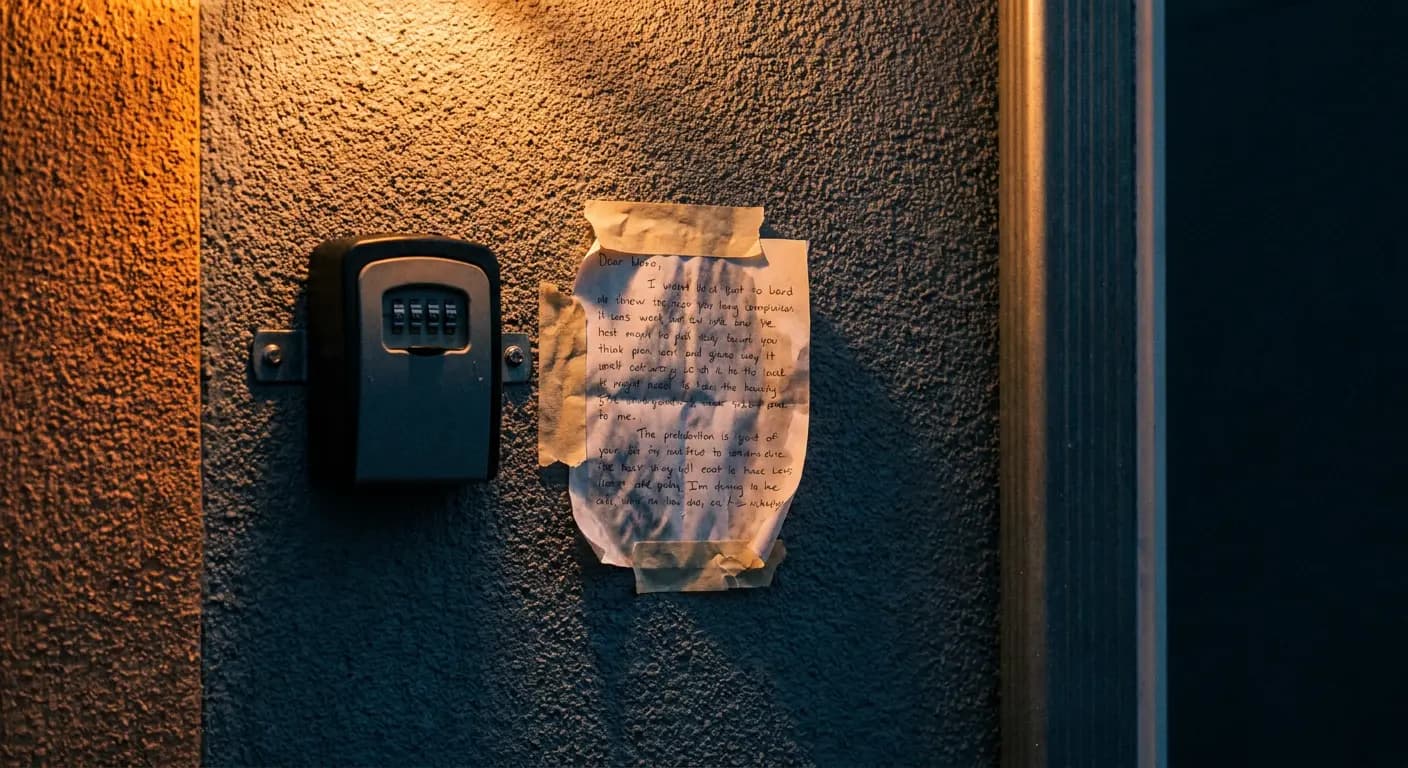
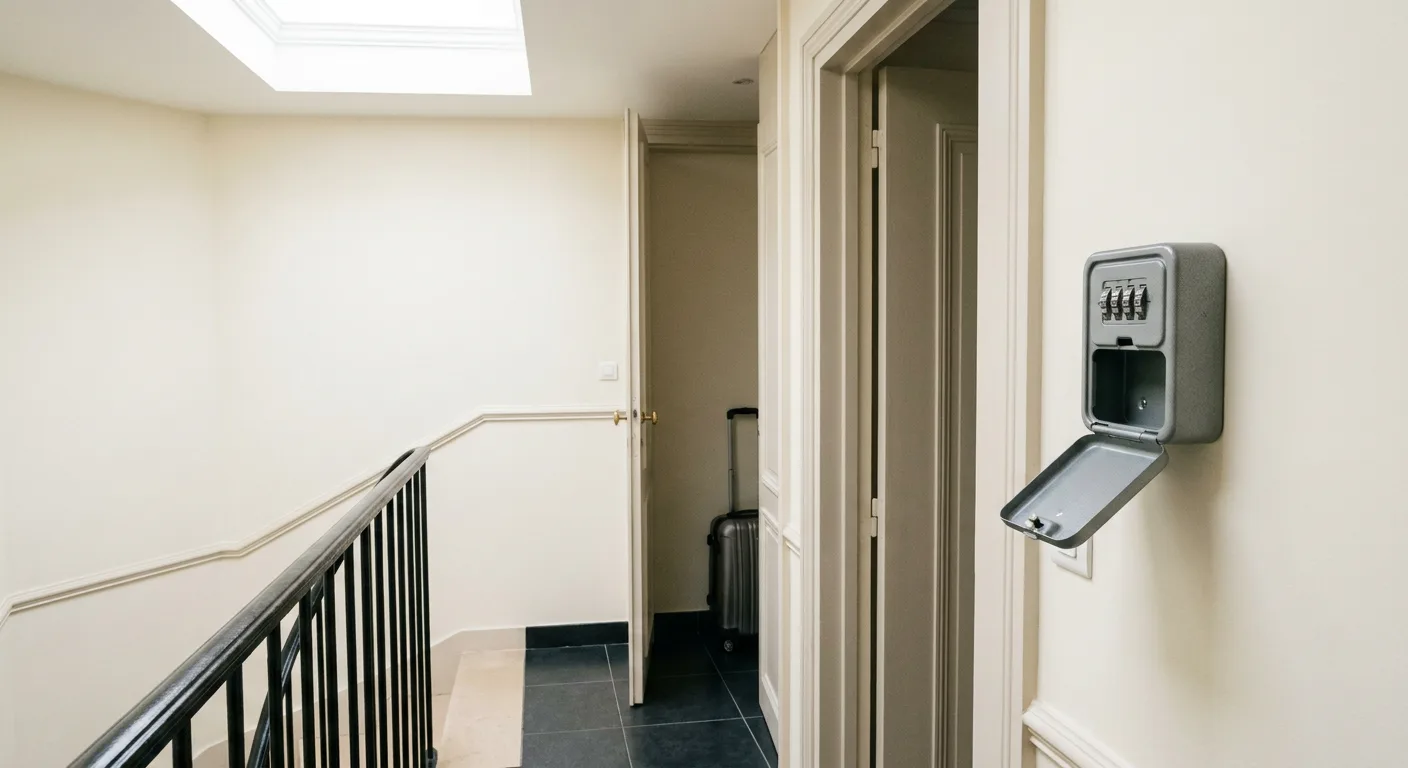
On Airbnb, self check-in is an access method, not a full arrival process. The Help Centre names four: a secure lockbox, a smart lock, a keypad lock and a key or access through building staff such as a doorman or receptionist available 24 hours a day. That list keeps the scope narrow: the platform describes how the guest gets in, not how every arrival question is handled afterwards.
Airbnb surfaces part of the information itself: check-in instructions appear in the booking details. The guest also receives a booking reminder email containing them. The platform advises the guest to message the host about arrival time, to make sure the place is ready.
Airbnb settles where the instructions live and which access methods count. It does not settle the host workflow: when to send which detail, what to hold back until the property is ready, who replies when the question lands late.
Do not confuse the access method with the arrival plan. A keypad or lockbox removes the meeting. It does not decide when the code should be sent, what fallback step the guest needs or who handles a blocked door at night.
What self check-in removes and what it moves
What it genuinely removes is clear: no arranged handover, no waiting in the street for a delayed train, no fixed slot tying you to the property. For many listings, that is reason enough.
What it moves is less obvious. The question once asked on the doorstep now arrives by message, with the guest already outside. The host no longer waits in person, but may be on written duty instead. A late written question can be more disruptive than a planned handover: it arrives when the guest needs an answer immediately and when the host is least available. The examples are mundane: which entrance is the right one, whether the earlier code is still valid, how to open a stiff communal door. Those questions do not disappear. They change place and timing. Our guide to common guest questions shows how often the same points return.
This is where plain scheduled text starts to grate. One long arrival note sent too early is read once and forgotten. Here is the same morning send handled two ways, for a guest who already announced a late arrival.
Fixed arrival message
Hello Priya, check-in starts at 4 pm. Your keypad code is 6418. Parking is in Bay 12. Please tell me your arrival time.
It repeats points already covered in the thread and asks again for an arrival time the guest has already given.

 Adapted before sending
You are all set for your late arrival tonight. The keypad code sent earlier in this thread remains valid. If the front door resists, lift the handle slightly before pushing.
The same scheduled send becomes shorter because it reads the thread, the booking phase and the property instructions before it goes out.
Arrival communication is not only about sending. It is about carrying context forward. A scheduled message either stays in strict mode and goes out word for word, or uses reinterpret mode and is rewritten at send time from the resolved template, the thread and the property instructions. Your template stays the reference version. Our guide on automated messages covers that layer.
The three messages that keep arrival calm
Self check-in works best with fewer details per send and better timing. Three short moments beat one long paragraph.
D-3: stable instructions only
Three days before arrival, send what is unlikely to change: address, which entrance to use, where the lockbox or keypad sits, any building rule that surprises guests. Leave out the active code if readiness still has to be confirmed on the day. This removes the evening question that comes from not knowing where to go. It helps most for guests arriving after dark.
On the morning: the active code
The morning message is short and practical. If the property is not ready yet, wait. If the code changes by stay or by date, this is where it belongs.
Send this only once the property is ready. One action per line. Put the active code here, not in the earlier message. If access varies by date, make sure the code is date-specific in your source data.
If you manage several listings, this is the part worth formalising. Each booking carries three system messages by default: welcome, check-in about a day before arrival and departure about a day before checkout, plus any number of custom messages per property, placed from thirty days before to thirty days after arrival or departure, each with its own time slot and switch.
In the evening: the safety net
The last useful send is the shortest. A brief note later in the day reminds the guest where to write if anything is unclear. It is less about repeating access details than preventing silence when something minor becomes urgent, which matters most with same-day bookings.
What still needs a live reply
Some arrival issues need human judgement at once. A code that fails may be a bad entry, a stale instruction, a door mechanism problem or a property that was not ready. A guest arriving at 1 am may need reassurance before diagnosis. This is where self check-in stops being a hardware topic and becomes an operations topic: the question is not whether the guest can enter alone, it is who handles the exception when they cannot.
Who handles the evening question- CopiloteThe reply is drafted. You check the access detail, add any site-specific note and send it yourself.
- HybrideAutonomous during the hours you choose. Outside them, the conversation waits for you.
- AutopiloteRoutine access questions go out on their own. Anything outside the known instructions comes back to you instead of an invented answer going out.
The reply draws on the guest message, the conversation history with an explicit instruction not to repeat, the reservation status and phase, the stay dates, the property knowledge base built automatically over time and availability. That is why the access answer stays short without starting from zero. For the full workflow, see how it works.
How to decide property by property
The right test is simple: what becomes easier for this listing and what merely changes form?
| Situation | Before self check-in | After self check-in | What changed in nature |
|---|---|---|---|
| Arrival time | Fixed meeting to agree | Broader arrival window | Coordination becomes lighter |
| Handover | Physical presence | No handover | Host time is freed |
| Access instructions | Spoken on site | Sent in writing | Clarity matters more than warmth |
| Minor confusion | Solved at the door | Solved in the thread | Delay becomes more visible |
| Access failure | You see the problem at once | You learn about it by message | Diagnosis starts later |
| Very late arrival | Hard to host in person | Easier to allow | Support duty moves into the evening |
A property is a good fit when the entrance path is easy to explain, the access detail can be sent reliably on the day and night-time exceptions are rare. It needs more structure first when the entrance is ambiguous, when cleaning readiness shifts late or when building access depends on several separate steps.
If the real pain starts after the message is sent, the issue is not the lock. It is the reply flow around arrival: access method first, message sequence second, exception handling third.